
How to Audit Your Website for Accessibility Issues
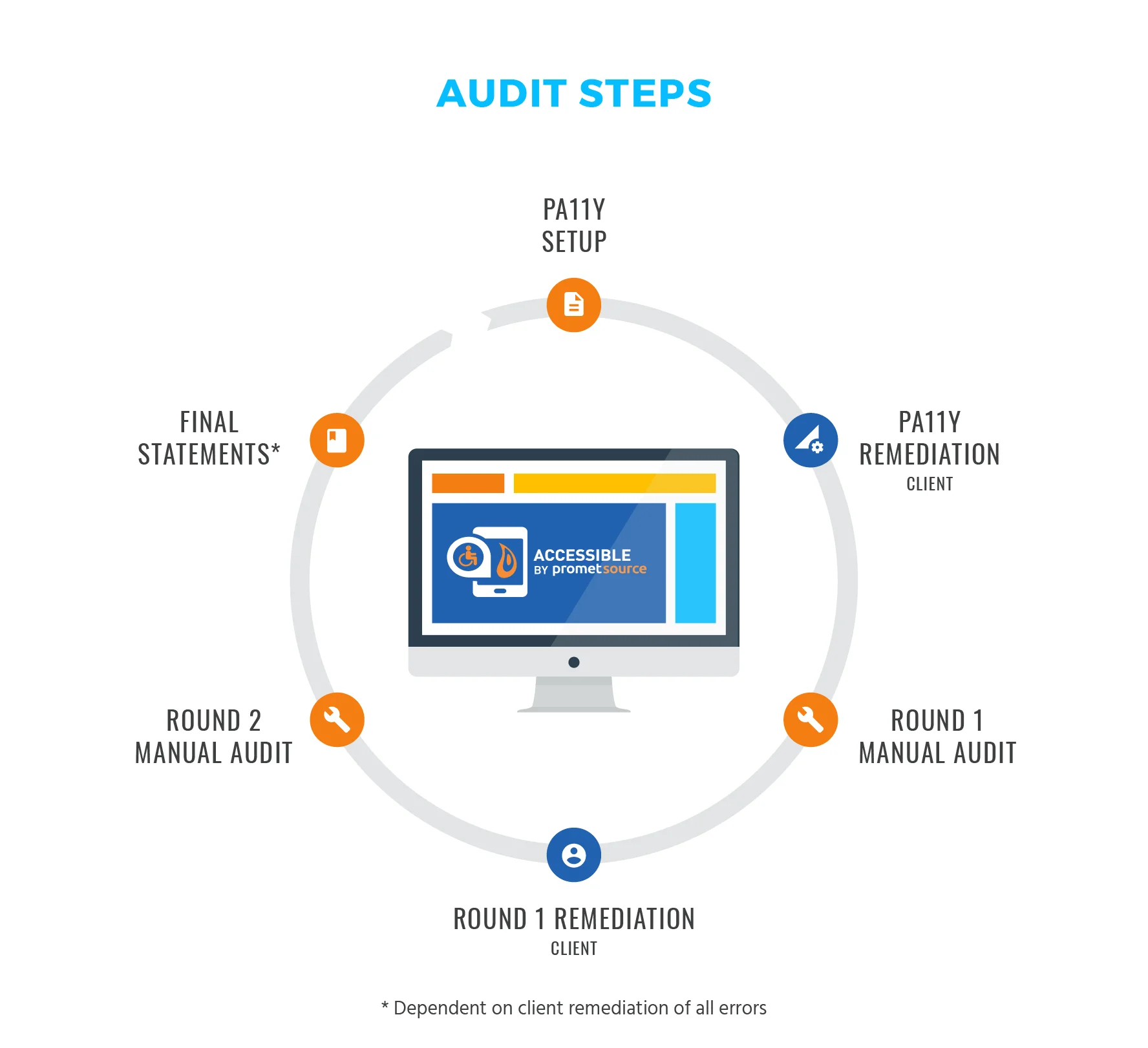
Millions of people navigate the web with disabilities—visual, auditory, motor, cognitive. Barriers on your website exclude these users entirely. An accessibility audit identifies problems so you can fix them, making your site usable for everyone.
At Proton Tech Lab, we build accessible websites. Let’s explore how to audit your site and uncover accessibility barriers.
Understand the Standards
According to W3C, the Web Content Accessibility Guidelines (WCAG) provide the standard for web accessibility. WCAG organizes requirements into four principles: perceivable, operable, understandable, and robust. Most audits target WCAG 2.1 Level AA compliance.
Start with Automated Testing
Automated tools catch obvious issues quickly. Browser extensions like WAVE, axe, or Lighthouse scan pages for common problems: missing alt text, low contrast, missing form labels, heading structure issues. Run these tools across key pages.
But automated tools catch only about 30% of issues. They’re a starting point, not a complete audit. Manual testing must follow.
Test Keyboard Navigation
Put your mouse away and navigate using only the keyboard. Tab through your entire site. Can you reach every interactive element? Is focus visible? Can you operate menus, forms, and buttons without a mouse? Keyboard access is essential for many users.
Watch for keyboard traps—places where focus gets stuck with no way to continue navigating. These completely block keyboard users.
Check Color and Contrast
Text must contrast sufficiently against backgrounds. WCAG requires 4.5:1 ratio for normal text, 3:1 for large text. Use contrast checker tools to verify. Also ensure information isn’t conveyed by color alone—error messages shouldn’t rely only on red text.
Review Images and Media
Every meaningful image needs alt text describing its content or purpose. Decorative images need empty alt attributes. Videos need captions and ideally transcripts. Audio content needs text alternatives. Media accessibility opens content to everyone.
Examine Forms
Forms cause frequent accessibility problems. Every input needs a visible label properly associated in code. Error messages must be clear and connected to their fields. Required fields should be indicated. Form completion shouldn’t rely on timing.
Test with Screen Readers
Screen readers convert visual content to audio. Testing with one reveals how blind users experience your site. Does content make sense when read aloud? Are interactive elements announced correctly? NVDA (free) or VoiceOver (built into Mac/iOS) let you test.

Check Heading Structure
Headings create document structure that assistive technology users navigate by. Heading levels should be hierarchical (H1, then H2s, then H3s) without skipping levels. Screen reader users often scan headings to find content—structure matters.
Document Your Findings
Record every issue found: what it is, where it occurs, which WCAG criterion it violates, and how to fix it. Prioritize fixes by impact and effort. Some issues block users entirely; others merely inconvenience. Fix blocking issues first.
Make Your Site Work for Everyone
Accessibility audits reveal barriers you didn’t know existed. Fixing them expands your audience, improves legal compliance, and creates better experiences for all users. Start auditing, start fixing, and keep improving.
Need help with accessibility? At Proton Tech Lab, we audit and remediate websites for full accessibility. Contact us today to discuss your website. Let’s make it work for everyone!