
Simple UX Design Tips to Improve Your Website Conversions
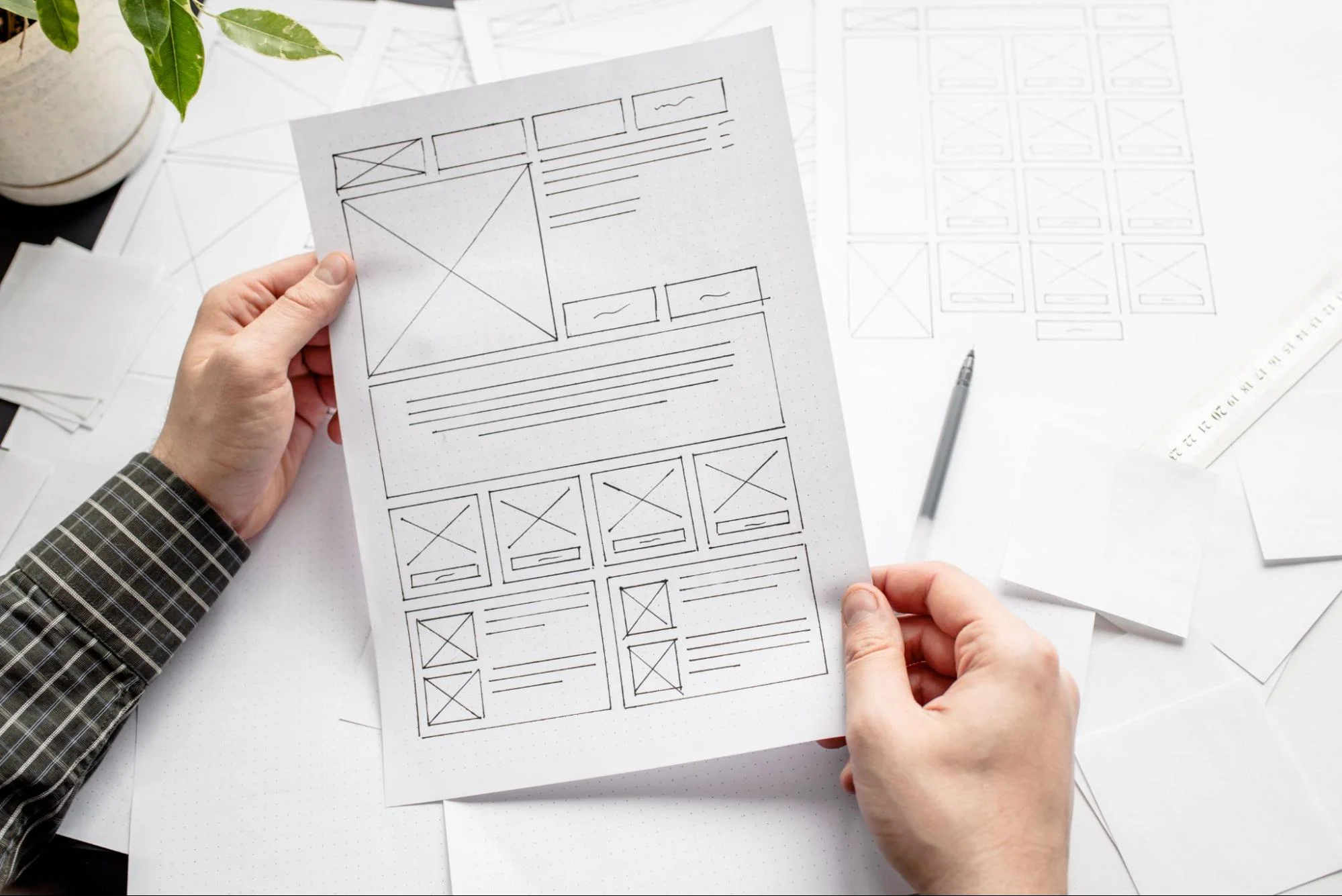
Your website might look beautiful, but if visitors struggle to use it, they won’t stick around long enough to become customers. User experience, commonly called UX, is the difference between a website that frustrates visitors and one that guides them effortlessly toward taking action.
At Proton Tech Lab, we design websites with user experience at the core. Great UX isn’t just about making things pretty; it’s about making things work. Let’s explore simple UX improvements that can significantly boost your website’s conversion rate.
What Is UX Design and Why Does It Matter?
User experience design focuses on how people interact with your website and how that interaction makes them feel. Good UX makes tasks easy and intuitive. Bad UX creates confusion, frustration, and ultimately abandonment.
According to Forrester Research, every dollar invested in UX returns $100 in value. Better UX leads to higher conversion rates, increased customer satisfaction, lower support costs, and stronger brand loyalty. It’s one of the highest-return investments you can make in your website.
Simplify Your Navigation
Navigation is the roadmap of your website. If visitors can’t quickly find what they’re looking for, they’ll leave. Keep your navigation simple, logical, and consistent across all pages.
Limit your main menu to seven items or fewer. Use clear, descriptive labels that tell visitors exactly what they’ll find. Avoid clever or creative names that might confuse people. Include a search function for visitors who know what they want. Make sure your navigation works flawlessly on mobile devices with thumb-friendly menus.
Use Clear Visual Hierarchy
Visual hierarchy guides visitors’ eyes through your page in the order you intend. It tells people what’s most important and where to focus their attention. Without clear hierarchy, visitors feel overwhelmed and don’t know where to look.
Create hierarchy through size, color, contrast, and spacing. Make important elements like headlines and calls to action larger and more prominent. Use whitespace to separate sections and give elements room to breathe. Ensure your most important content appears above the fold where visitors see it without scrolling.

Make Buttons and Links Obvious
Visitors should never have to guess what’s clickable. Buttons should look like buttons, and links should be clearly distinguishable from regular text. When interactive elements don’t stand out, visitors miss important actions.
Use contrasting colors for buttons that need to draw attention. Make buttons large enough to click easily, especially on mobile. Underline links or use a distinct color that’s consistent throughout your site. Add hover effects that provide feedback when visitors interact with clickable elements.
Reduce Friction in Forms
Forms are often where conversions happen, but they’re also where many visitors abandon ship. Every field you add creates friction that can cost you leads and sales.
Ask Only What You Need: Eliminate unnecessary fields. Do you really need a phone number if you’re going to email them? Every field you remove increases completion rates.
Use Smart Defaults: Pre-fill information when possible. Auto-detect location for shipping forms. Remember returning users’ information.
Show Progress: For multi-step forms, show a progress indicator so visitors know how much more they need to complete.
Provide Clear Error Messages: When something goes wrong, tell visitors exactly what the problem is and how to fix it. Vague error messages frustrate users.
Ensure Fast Loading Times
Speed is a fundamental UX factor. Slow websites create frustration before visitors even engage with your content. According to Google, 53% of mobile visitors abandon sites that take longer than three seconds to load.
Optimize images, minimize code, use browser caching, and choose quality hosting. Test your site speed regularly and address any issues that slow things down. Fast loading isn’t just good UX; it’s also good for your search engine rankings.
Design for Mobile First
More people browse the web on mobile devices than desktops. If your website doesn’t provide an excellent mobile experience, you’re alienating the majority of your potential customers.
Design for mobile screens first, then scale up for larger displays. Ensure text is readable without zooming. Make tap targets large enough for fingers. Simplify navigation for smaller screens. Test everything on actual mobile devices, not just desktop browser simulations.
Use Consistent Design Patterns
Consistency helps visitors learn how your site works and reduces cognitive load. When similar elements behave the same way throughout your site, visitors can predict what will happen and navigate confidently.
Use the same styles for buttons, links, headings, and other elements across all pages. Keep navigation in the same location. Maintain consistent spacing and layout patterns. When visitors have to relearn how things work on each page, they get frustrated and leave.
Provide Helpful Feedback
Users need to know that their actions have been received and processed. When someone submits a form, makes a purchase, or completes any action, confirm it clearly.
Show loading indicators when content is being fetched. Display success messages after form submissions. Provide order confirmations after purchases. Give visual feedback when buttons are clicked. This feedback reassures visitors that everything is working correctly.
Test with Real Users
The best way to identify UX problems is to watch real people use your website. User testing reveals issues you might never notice on your own because you’re too familiar with your site.
Conduct usability tests where you observe people completing tasks on your site. Note where they struggle, get confused, or give up. Use this feedback to make targeted improvements. Even testing with just five users can uncover the majority of usability issues.
Transform Your Website Experience
Good UX design makes your website a pleasure to use, guiding visitors naturally toward conversion. By implementing these simple improvements, you can reduce friction, increase engagement, and turn more visitors into customers.
Ready to improve your website’s user experience? At Proton Tech Lab, we design websites that are beautiful, functional, and optimized for conversions. Contact us today for a free UX audit of your current website. We’ll identify opportunities for improvement and show you how better UX can boost your business results. Don’t let poor user experience cost you customers. Let’s make your website work better!